

Prerequisites
- Finish integration with Svix;
- Hoop.dev’s CLI installed in your local machine;
- Be an admin at your Hoop.dev instance
- Be in an Enterprise Plan
Configuring
To configure Hoop to send events to your SIEM, log in with the client and create thewebhooks plugin.
Dashboard
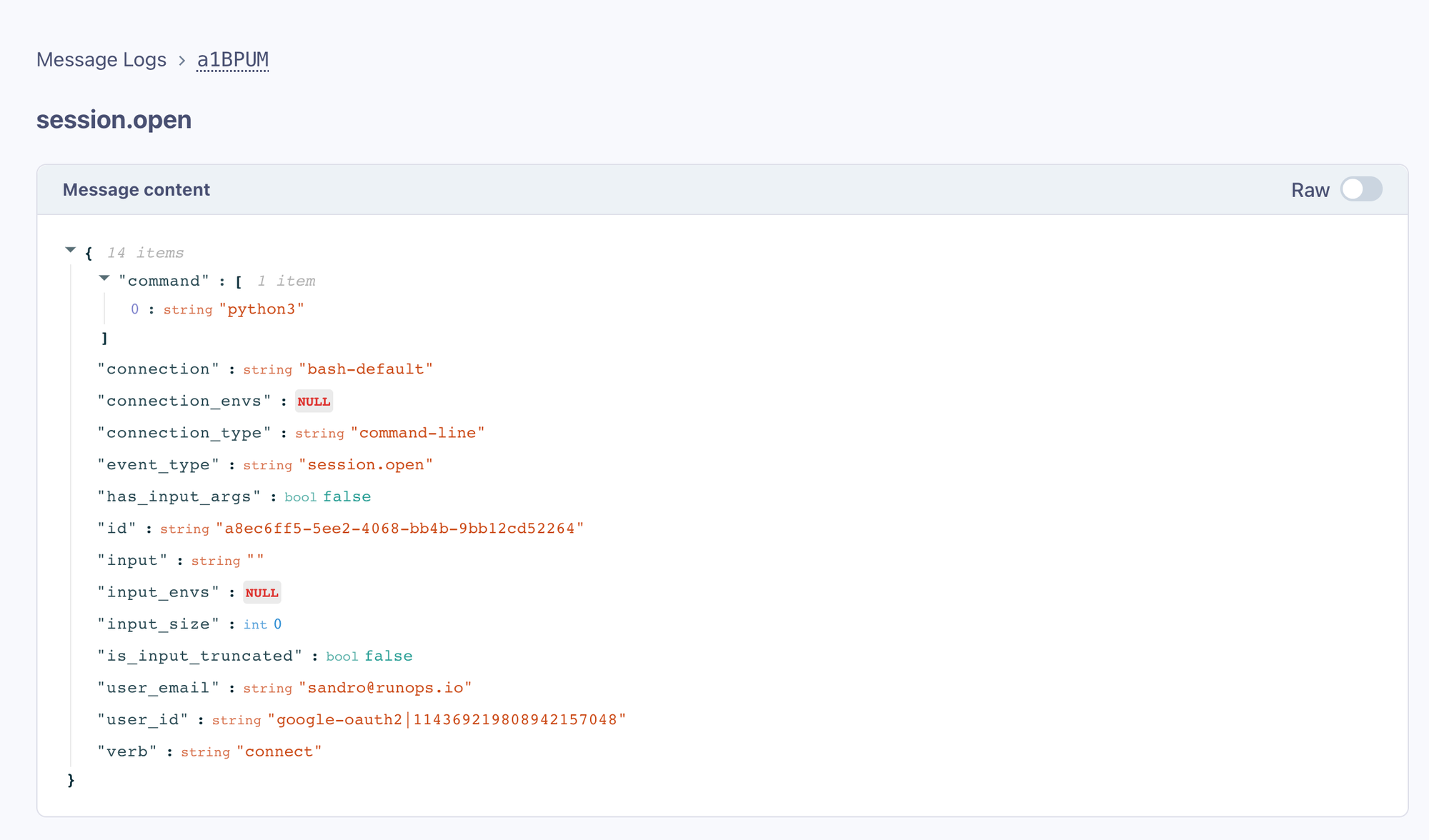
Now, you can log in to your dashboard and start configuring endpoints while selecting the messages you want to subscribe to.Dashboard is only available when using Svix SaaS and could be only opened by administrators.
hoop connect event.
Adding Endpoints
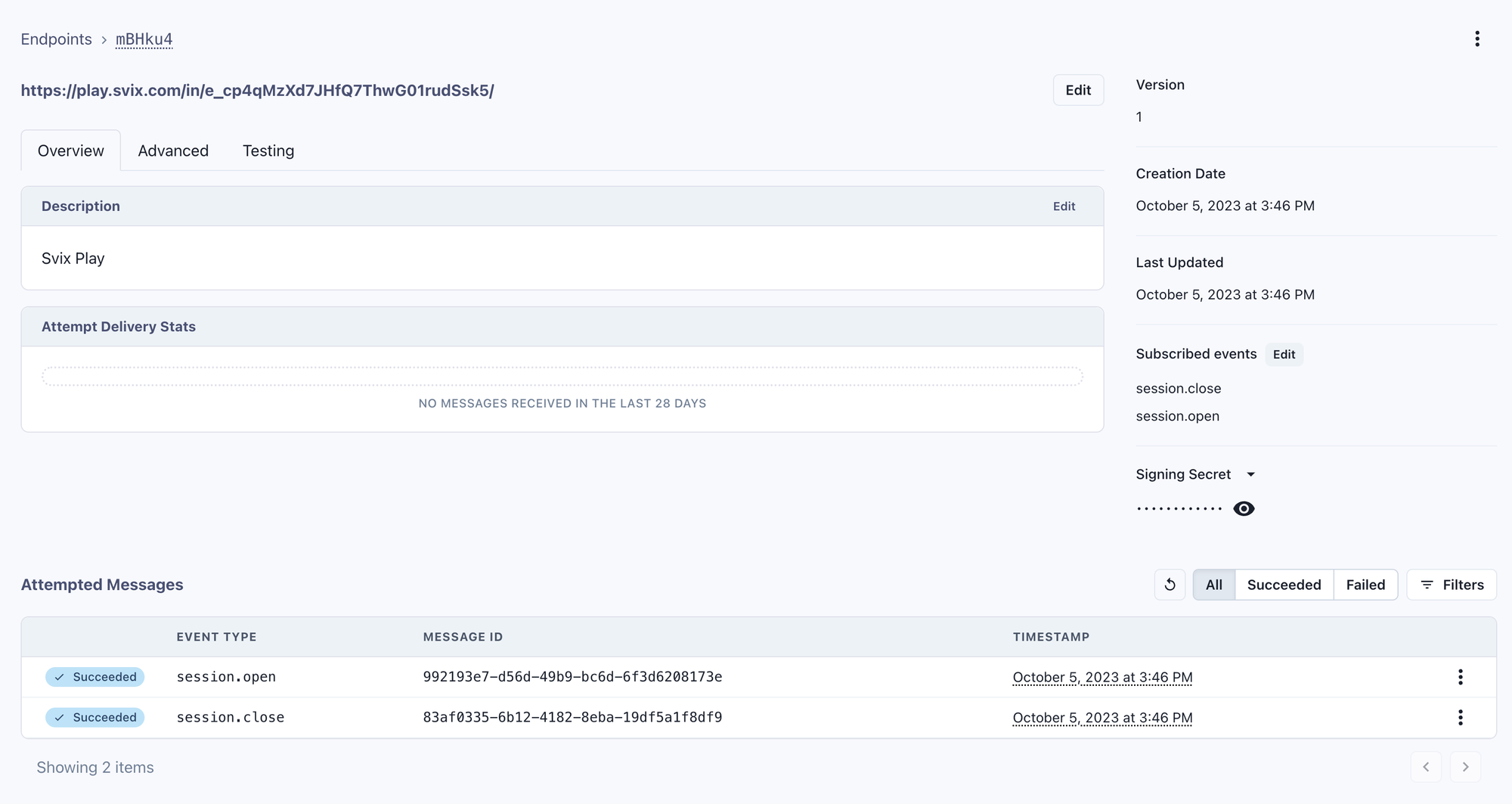
To route these messages to your SIEM, add your public endpoint that will receive these messages. Click on the Endpoints link.Adding endpoints to a self-hosted Svix instance is only available via svix command line or api.
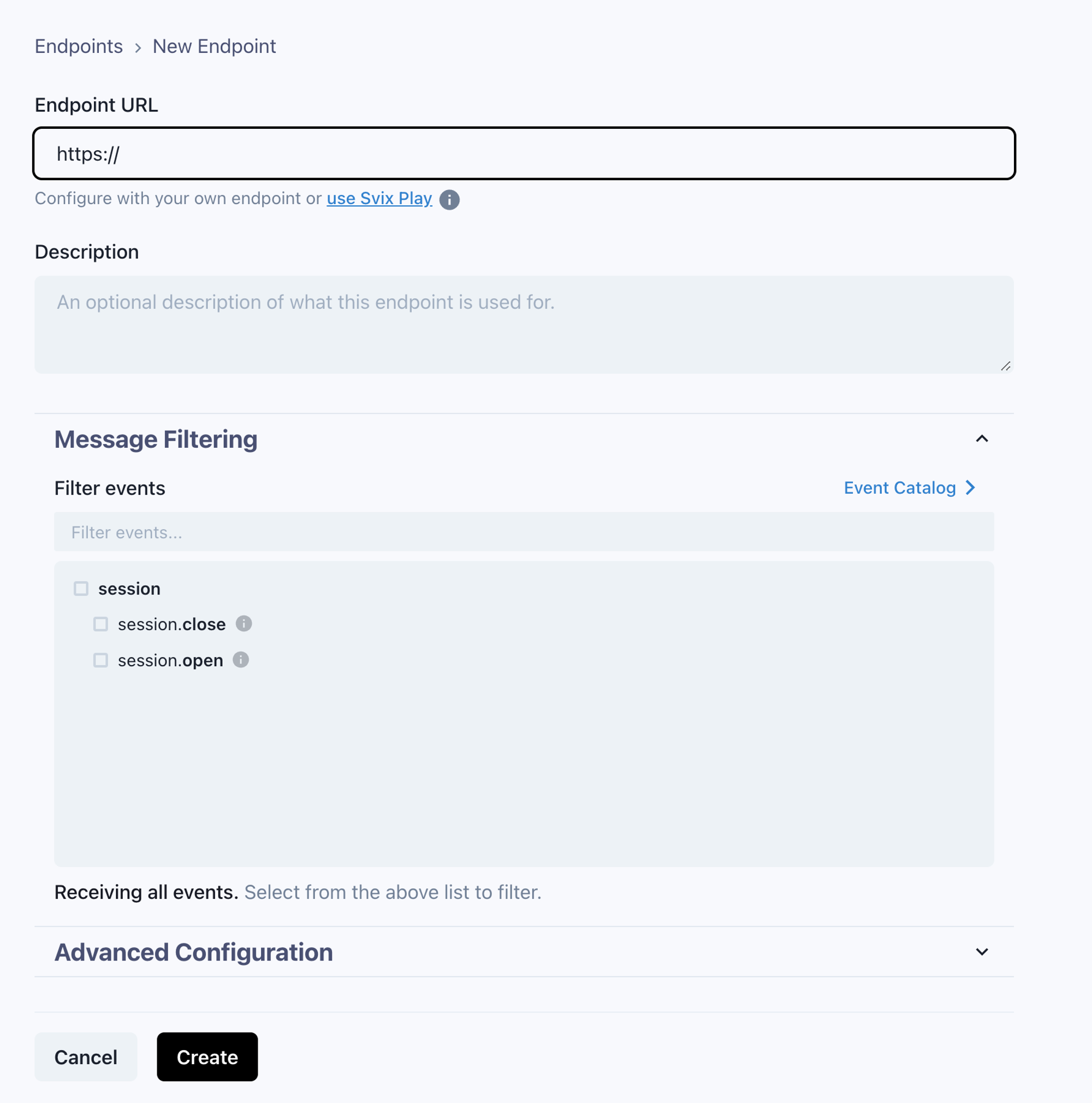
You can use Svix Play to test it first.
Event Types
Hoop provides the definition of each event that is sent. To access these definitions, refer to the Event Catalog link.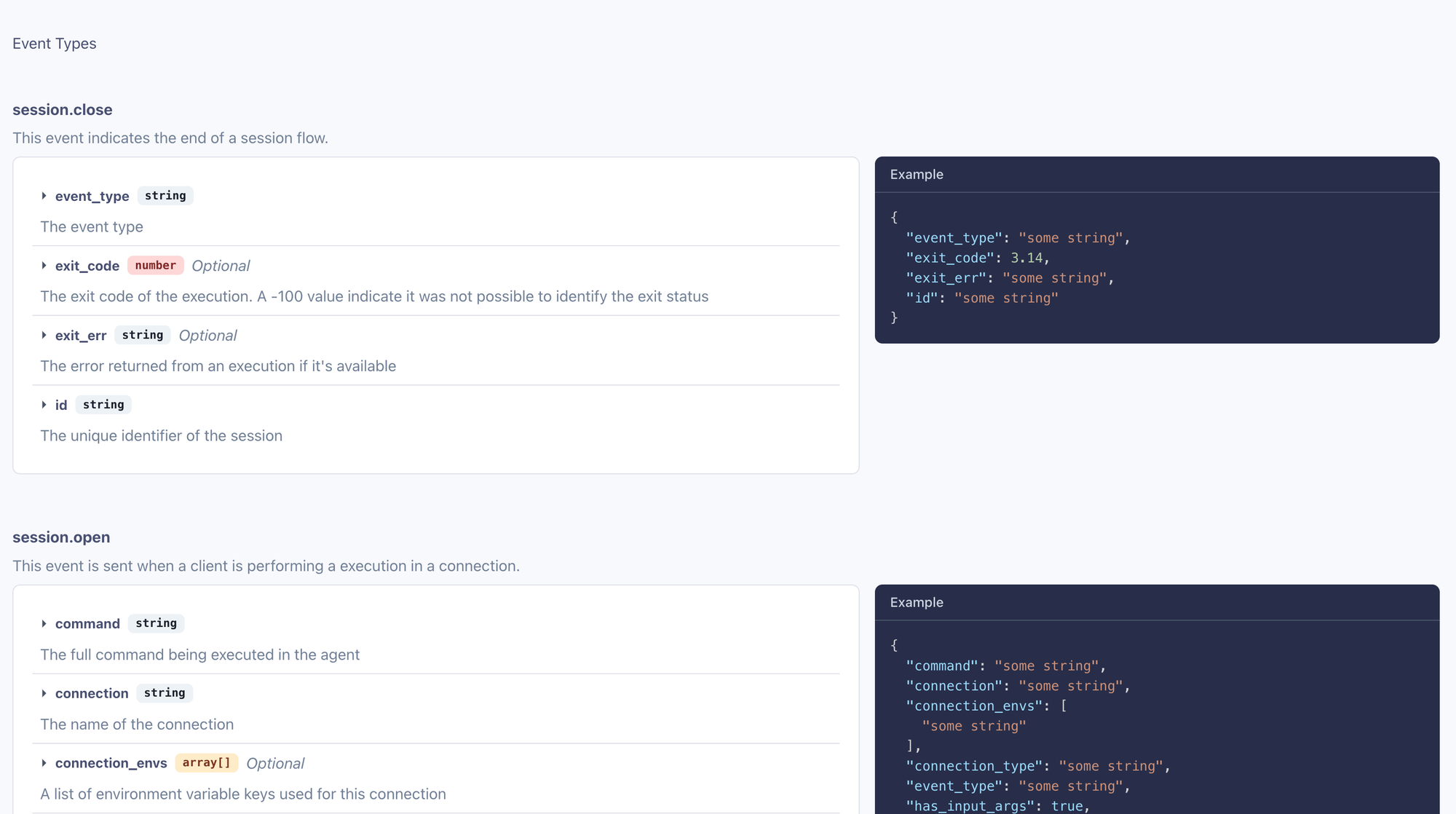
Consuming Webhooks
As Svix serves as our webhook service provider, it’s recommended to refer to their documentation for guidelines and best practices for the secure verification and consumption of webhooks.Svix Self Hosted
For self-hosted installations, you must interact directly with Svix using either the Svix CLI or the API. For your convenience, we offer experimental endpoints that allow you to manage Svix’s main resources. The Hoop command line tool integrates with these resources to provide proper Svix management capabilities.Event Types
Hoop may send the following events depending how users are interacting with the system
Event types can be configured to route specific events to designated endpoints.
To manage event types in a self-hosted installation, use the following command line syntax to create them:
Endpoints
Endpoints allow to configure how to receive webhook messages.session.open and session.close event types.
Messages
To list message delivery attempts and troubleshoot webhook transmission issues, use the command below:endpoint_id query string is required