

AWS Secrets Manager Provider
This provider allows for the expansion of environment variables from an AWS key-value secret or a literal one.Credentials Configuration
It requires an instance profile in the agent with the permissions below: Required IAM Roles- secretsmanager:GetSecretValue
- secretsmanager:GetResourcePolicy
- secretsmanager:DescribeSecret
- secretsmanager:ListSecretVersionIds
Make sure to export the
AWS_REGION environment variable in the machine running the agent.Syntax
_aws:SECRET-NAME:SECRET-KEY
_aws:pgprod:PG_HOST_aws:pgprod:PG_PORT
- MYSECRET=_aws:prod-secret-name:MYSECRET
Testing
Create abash connection.
env command to dump the environment variables of a session.
HashiCorp Vault Provider
This provider expands environment variables from an Vault Key Value Secrets Engine. It supports versions 1 and 2.Configuration
It requires the environment variables exported in the machine running the agent. The implementation follows the specification of the Vault Cli and it’s limited to the configuration below:Example of how to define expose the env
VAULT_CACERTApp Role Authentication
The approle auth method allows machines or apps to authenticate with Vault-defined roles. This auth method is oriented to automated workflows (machines and services), and is less useful for human operators. The agent will perform a request toPOST /auth/approle/login and obtain a valid token to access secrets in Vault Key Value store.
Make sure to configure the environment variables when deploying the agent:
It’s important to use
batch tokens when using the App Role method.
Refer to Vault App Role documentation for more information.Testing
1
Install Vault
This step requires a Vault installation, for the sake of this documentation we recommend using a Vault development server.
Check the getting started with dev server
You can use the option
-dev-listen-address="0.0.0.0:8200" to expose the Vault Server to your host network.2
Configure Secrets
- KV Version 1
- KV Version 2
- The command below will enable and configure a secret in a KV version 1
_vaultkv1:SECRETNAME:SECRET-KEY
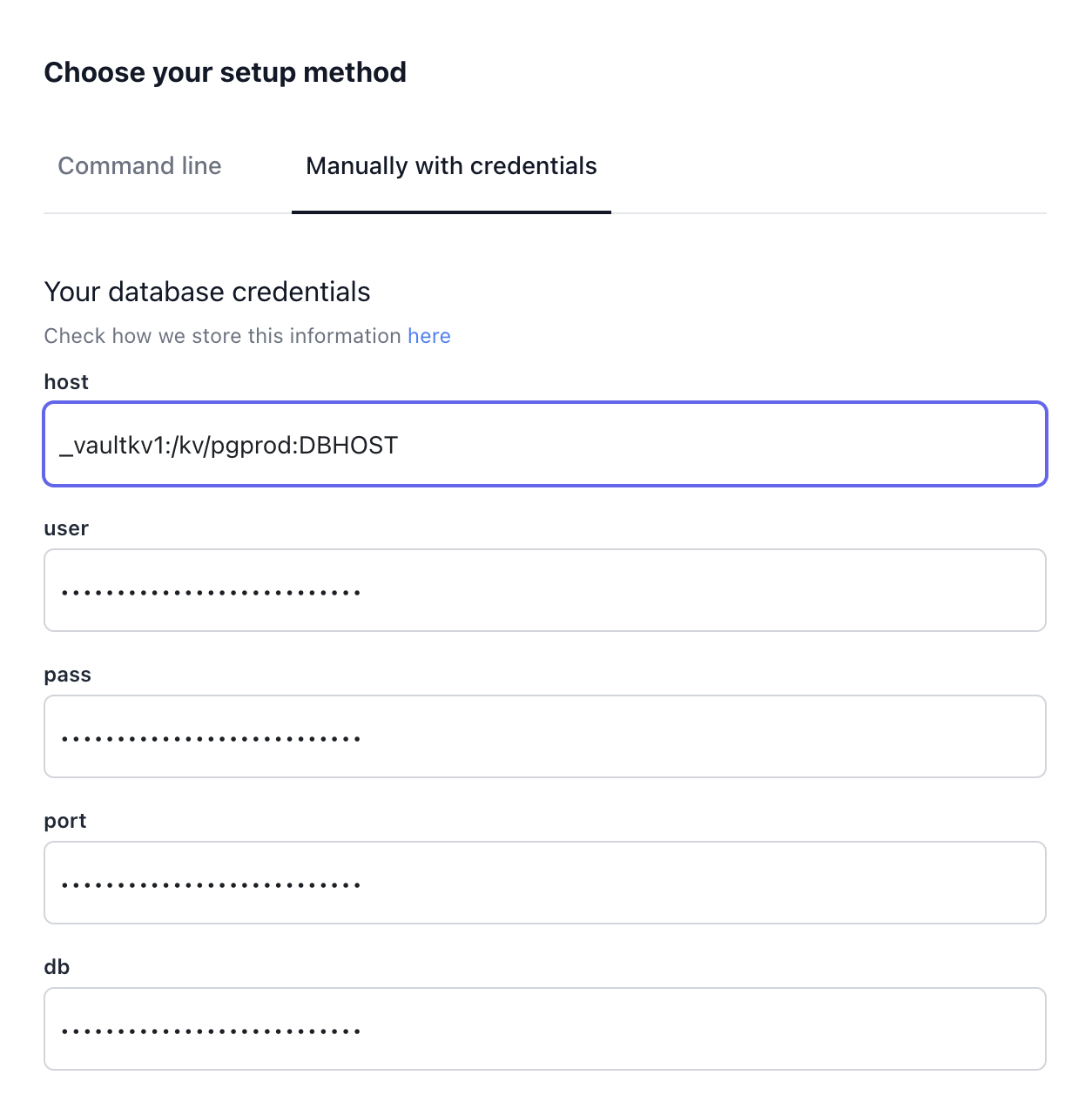
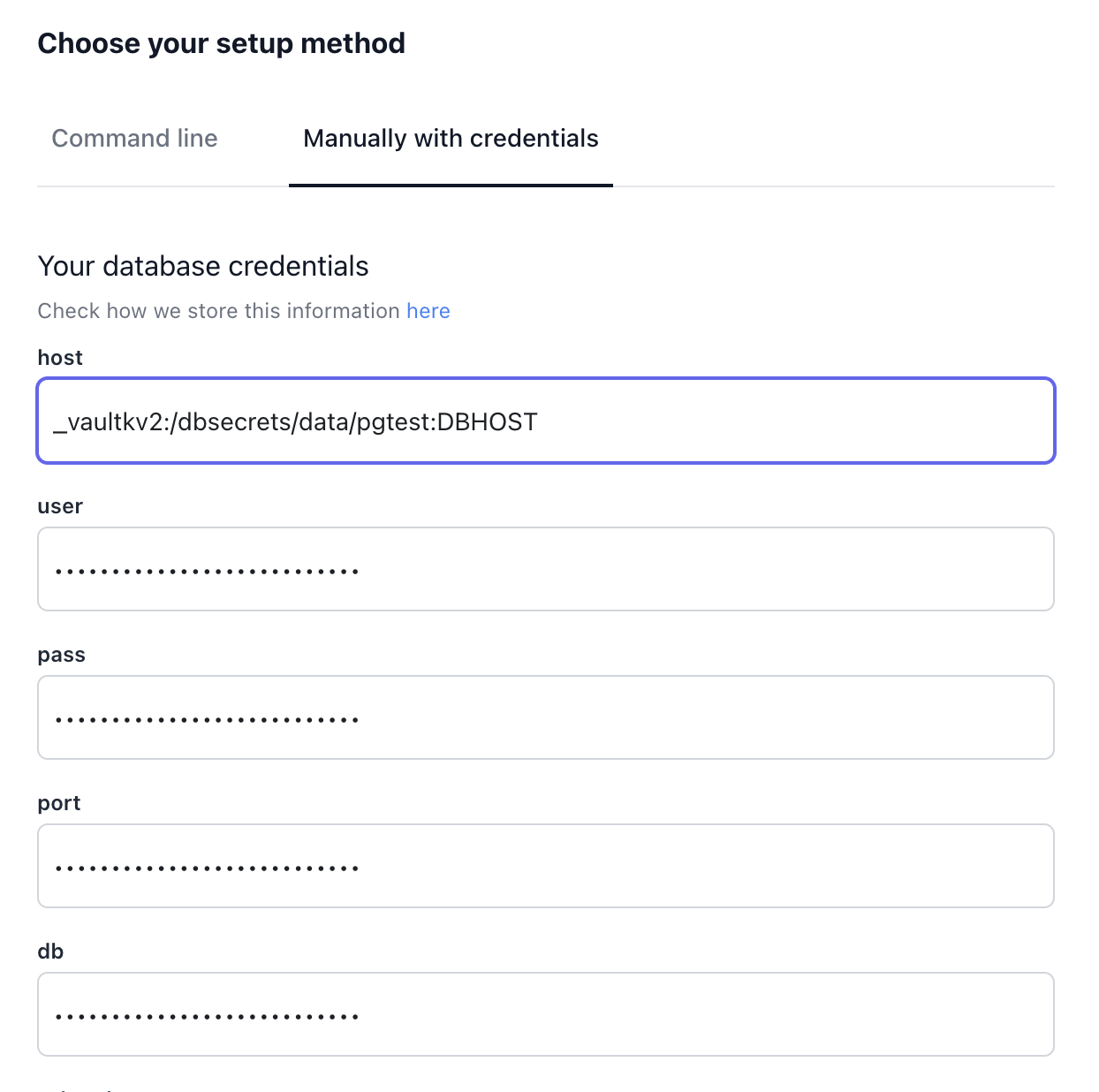
3
Testing
Go to the Webapp and run a query in this Connection.
Env Json Provider
This provider allows the exposure of environment variables from an agent by exposing a JSON environment variable. It is useful for maintaining compatibility with older runops agents.Syntax
_envjson:MYJSON_ENV:ENVKEY
ENV_CONFIG='{"PG_HOST": "127.0.0.1", "PG_DB": "testdb"}'
_envjson:ENVCONFIG:PG_HOST
Testing
Create abash connection.
env command to dump the environment variables of a session.